 Castalong
Castalong
Castalong
From zero to a remote guest live in your stream. No NDI, no port-forwarding, no extra software for your guest.
Sign up (free during the beta), then on your dashboard click New room and pick the kind of show you're making — podcast, interview, co-stream, panel, and so on. Castalong pre-creates sensible outputs (e.g. a facecam and a screen/game output) so you don't have to understand "buses" first.
Install the Castalong plugin (Windows or Linux — download), open OBS, and the Castalong control dock appears. Copy your room's Config URL from the dashboard and paste it into the dock. That's the only thing you configure.
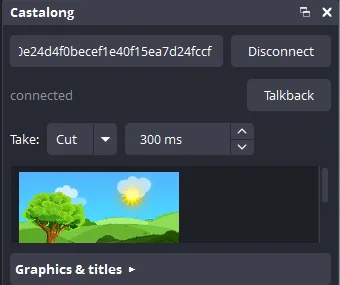
The control dock, docked inside OBS.
The plugin creates your room's sources in OBS automatically — each named and on its output — plus the graphics overlay. Nothing to add by hand.
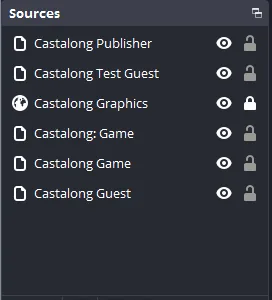
Sources created for you from the room's layout.
Grab the room's Guest link from the dashboard or the dock and send it over. Your guest opens it in a browser — no install — runs the camera & mic check, and joins. Prefer a native app? Send them the per-room guest app download instead.
In the dock, click a guest onto an output to take them live; a guest holds one output at a time. Turn on a name lower-third, a branding frame, or a ticker per source — they travel with the guest wherever you switch them.
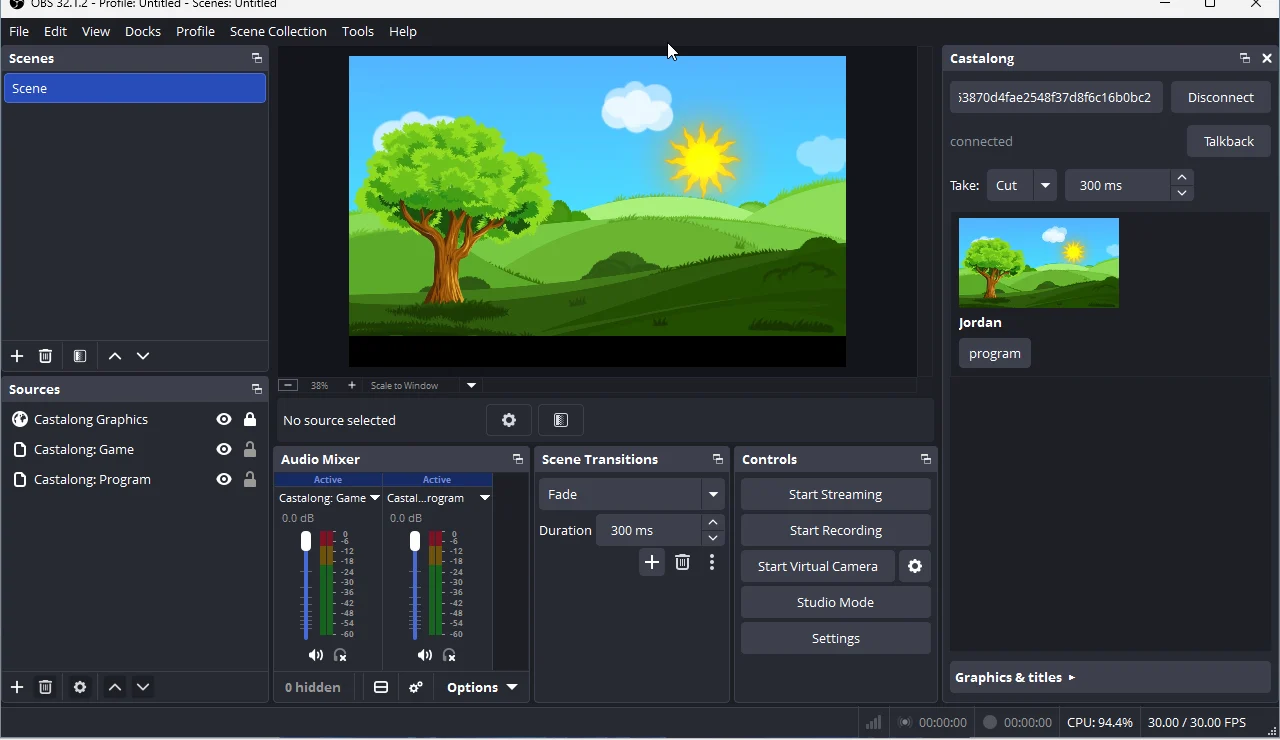
A guest, live as a native OBS source.
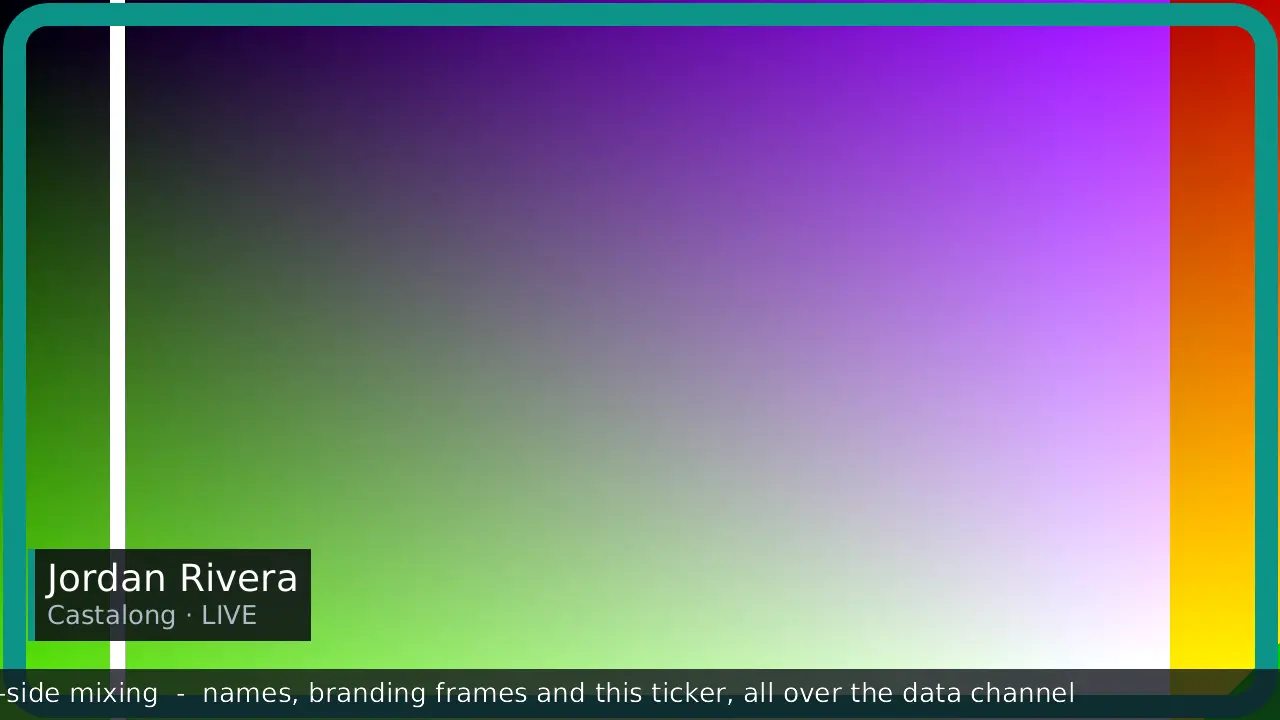
Per-guest graphics overlay.
Stream from OBS exactly as you always do — to Twitch, YouTube, anywhere. Want clean per-guest files for editing later? Hit Record in the dock and Castalong captures each guest to their own file server-side.